Hotplate gift cards are digital. You can create one from the Gift cards tab, or customers can buy one from your Storefront or through a drop. Around the holidays, many customers want something physical to hand over with their gift. Here’s how to make printed cards.
Step 1: Design your card
Open this Canva template: https://canva.link/u28jdvyjsm1fyxr
Add your logo to page 1.
Add your Storefront URL to page 2.
Step 2: Print your cards
Choose one of these options:
Print with Canva
In your Canva design, click Print with Canva in the top right and follow the checkout steps.
Print with MOO
If you like these examples, here's exactly how we made them!
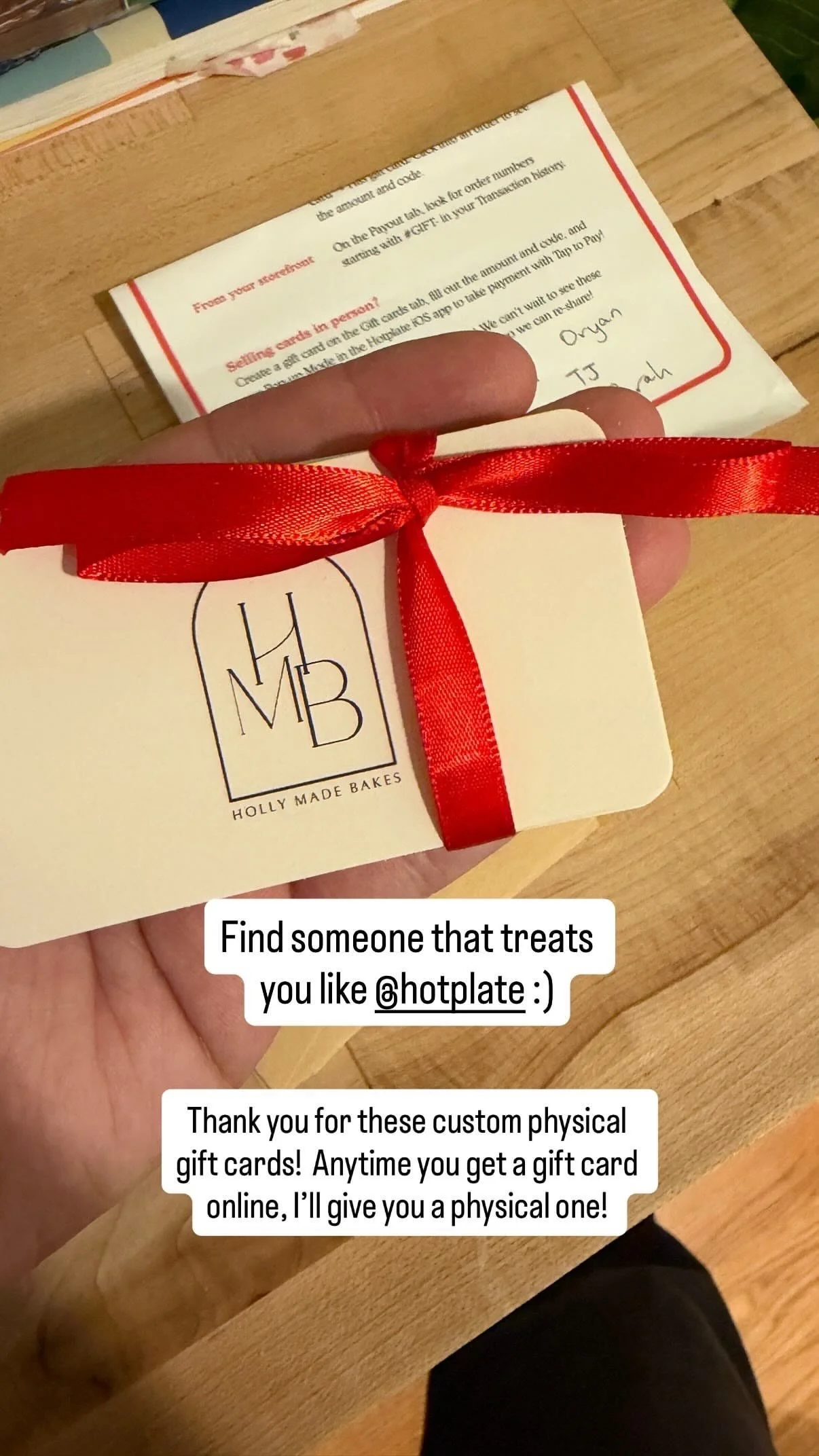
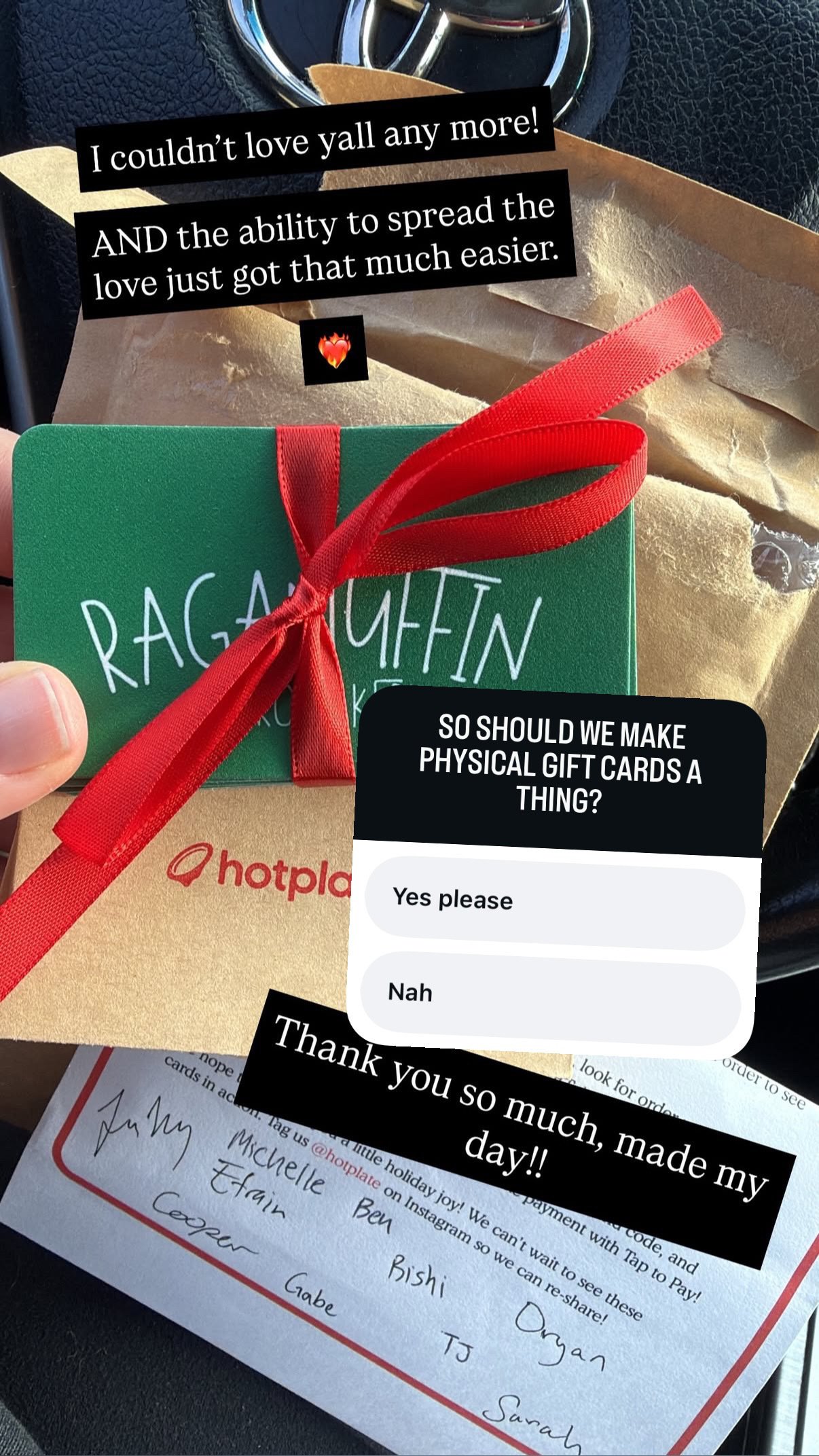
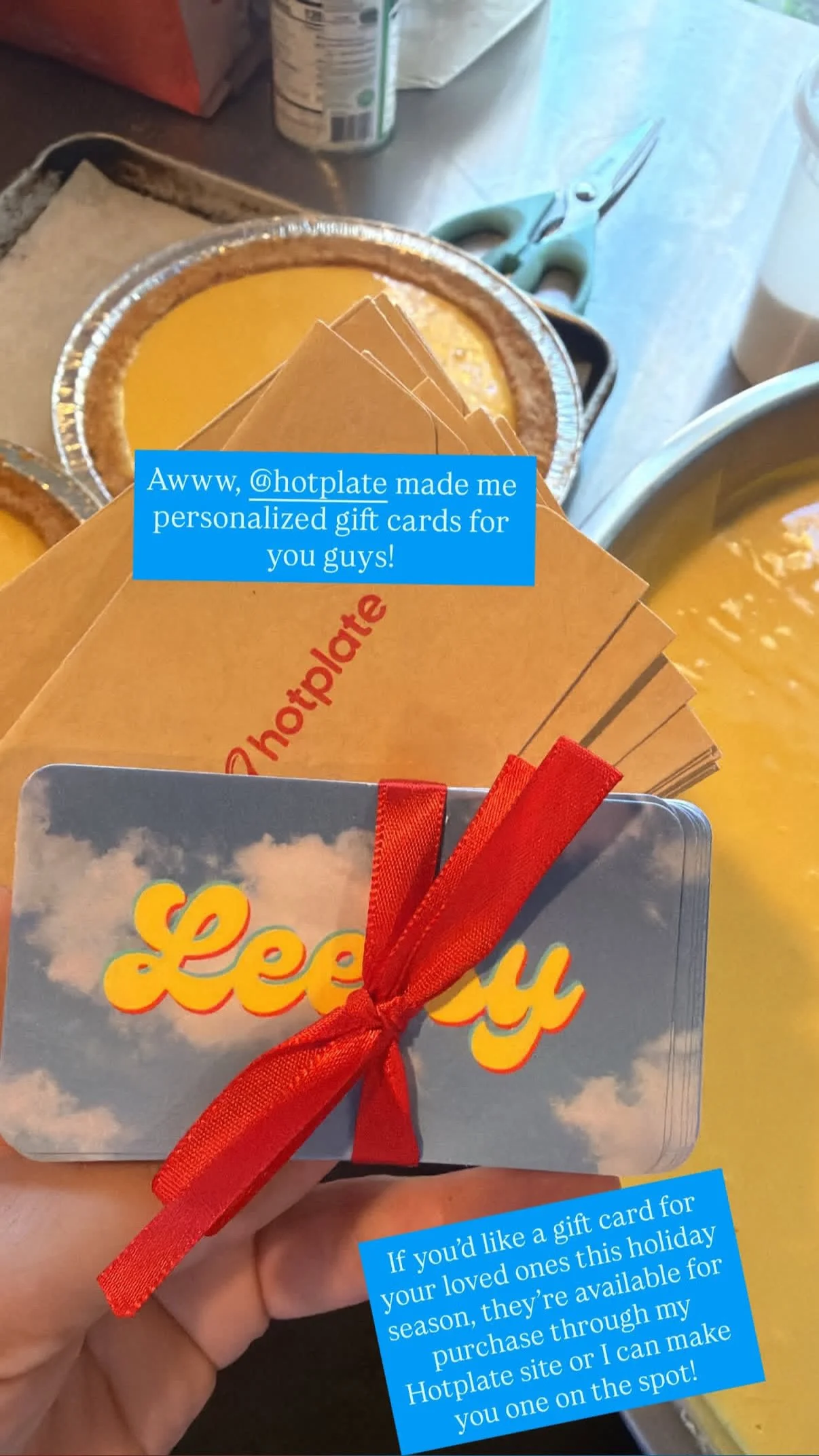
Download page 1 of your Canva design as a PNG.
If this is your first MOO order, use this link for $25 off: https://refer.moo.com/s/vxrcjc. Then click Business Cards → Cotton Business Cards (these work best for writing on) and start a new design.
Upload your PNG as the back of the card.
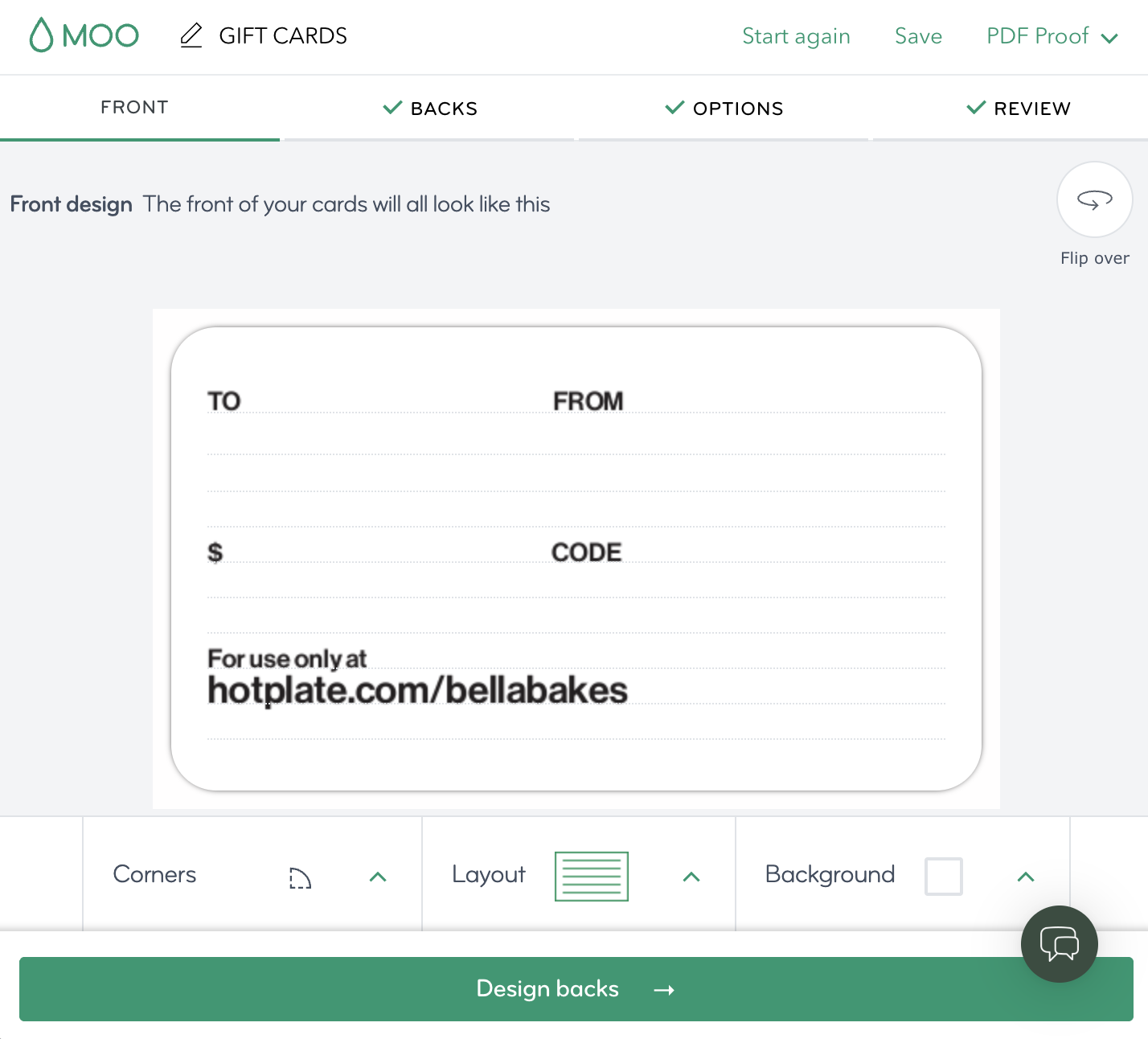
MOO only allows you to upload a design for your logo side, so you can design the back with their editor, like this: